ChatGPT
 Perplexity
 Claude
 Google AI
 Grok
Grok
Summarize this article with an AI assistant.
How To Set Up Payment on a Website
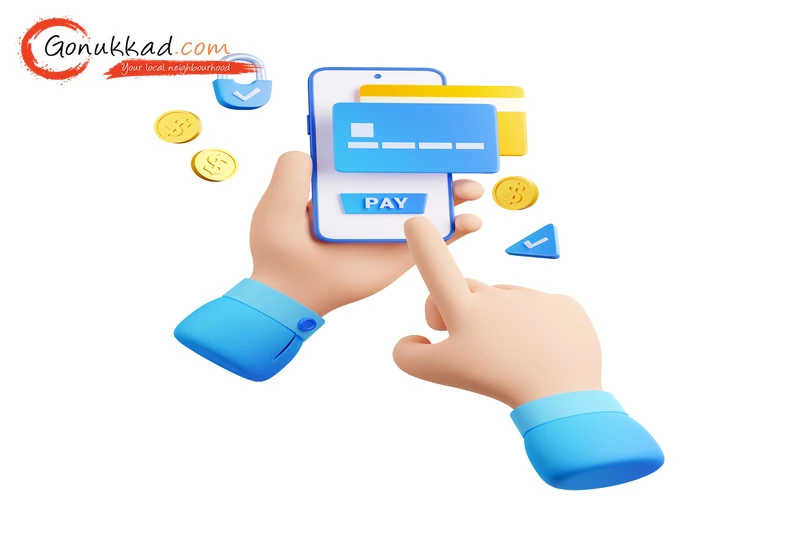
With India’s e-commerce market hitting over $200 billion this year, nearly every pin code in the country is now ordering products through websites. But a website is just a digital window until you add a way to collect money. If you can’t take payments, you are just showing products, not selling them. Setting up a payment system might sound like a hassle, but today, even a local shopkeeper can do it in a few days.
In this guide, we'll discuss how to set up payment on a website, how much it costs, the documents you need, and the best ways to keep your money safe.
Key Takeaways
- Use Google My Business optimization to ensure local customers find your online shop first.
- Over 75% of Indian shoppers prefer UPI over cards, so your website must have a "Scan & Pay" or UPI intent option.
- Most gateways charge 2% per sale, so don't pay heavy joining fees if you are just starting.
- A "Secure" lock icon on your website makes customers feel safe to enter their card details.
- Since 82% of internet traffic in India is on mobile, your payment page must look good on a phone.
How Can You Accept Credit Card Payments on a Website
Many shopkeepers ask if they need a special machine like the one in their physical store to take cards online. No, when you set up payment on a website, you use a "Payment Gateway." It is a digital middleman.
When a customer enters their Visa or Mastercard details on your website, the gateway safely sends that info to the bank. It checks if the customer has enough money and then confirms the order.
In 2026, gateways like Razorpay, PhonePe, and PayU make this very easy. To do so, you just need to link your bank account to these services.
Which Types of Businesses Need to Accept Payments on a Website
If you are waiting for customers to walk into your shop, you are losing money. Today, everyone is busy.
- Retail Shops: If you sell clothes, electronics, or gifts, an online payment option lets people buy from home.
- Service Providers: Plumbers, tutors, or consultants can collect an online "booking fee" to confirm an appointment.
- Home Bakers & Artists: Instead of asking for "GPay" on WhatsApp, use a website to make your brand look professional.
How Much Does It Cost to Accept Payments on a Website
It is essential to understand that nothing is 100% free, but it is very affordable now. Here is a clear table of the costs in 2026:
| Service Detail | Typical Cost | Why is it charged? |
|---|---|---|
| Setup Fees | ₹0 (Most Gateways) | To create your account. |
| Transaction Fee (MDR) | 1.7% to 2.5% | For processing each sale. |
| UPI & RuPay Debit | 0% (Often) | The government promotes these modes. |
| International Cards | 3% to 4% | Extra security and currency conversion. |
| GST on Fees | 18% | Calculated only on the 2% fee, not your total sale. |
Benefits and Risks of Online Payment Integration for Websites
| Benefits | Risks |
|---|---|
| Your shop is open even on Sundays and at 2 AM. | If your website is slow, the payment might fail. |
| No need to worry about change because the exact amount is transferred. | If a customer cancels, you have to handle the refund through the gateway dashboard, which might take 5-7 days. |
How to Accept Payments from Customers on a Website
If you want to accept online payments today, follow this path:
- Register as a Merchant: Sign up on a platform like Razorpay or Cashfree.
- Submit Documents: You will need a digital copy of your PAN Card, Aadhaar, and a Cancelled Cheque. If you have a GST certificate, that’s even better.
- Verification: The gateway team will check your shop's details, and it usually takes 1 or 2 days.
- Integration: The technical part that connects the gateway to your website. If you find this hard, Gonukkad’s website team can do this for you so that your "Buy Now" button actually works.
- Go Live: Once you see the "Active" status, you can start taking orders.
Conclusion
Setting up a way to accept online payments is like giving your shop wings. It removes the barrier of distance and time. By choosing a reliable website payment gateway and ensuring your website ranks at the top of search results, you are setting yourself up for massive success.
Related Post:
1. UPI Payment Security: 15 Key Do’s & Don’ts for Small Businesses
2. Top 10 International Payment Gateways in India
3. Easebuzz Payment for SMEs: Fast Onboarding & Smart Dashboard
4. Cross-Border Payments: Everything You Need to Know in 2026
5. Why CCAvenue Payment Gateway is the Best Choice for Indian Startups and SMEs
6. How Razorpay Payment Gateway Works for Local Businesses
7. What is a White Label Payment Gateway and How It Works in India
Q. Can I start without a GST number?
A. Yes, many gateways allow "Individual" or "Sole Proprietor" accounts with just a personal PAN card, though limits might be lower.
Q. Is my money safe with these gateways?
A. Yes, modern gateways are PCI-DSS compliant and regulated by the RBI.
Q. How fast will I get my money?
A. The standard time is T+2 days. If you sell something on Monday, the money usually hits your bank account by Wednesday.
Q. What is the best payment method for an Indian website?
A. In 2026, UPI is the best, and it is fast, familiar to every Indian, and has the highest success rate.
Q. Why is my payment page not opening?
A. It usually happens if your website is too heavy or slow. Using a professional service like Gonukkad ensures your website is optimized for speed.
Supercharge your Business:
Go from surviving to tdriving!
Amplify sales witd our expert account management. Unleash your true potential now!
Call Us